















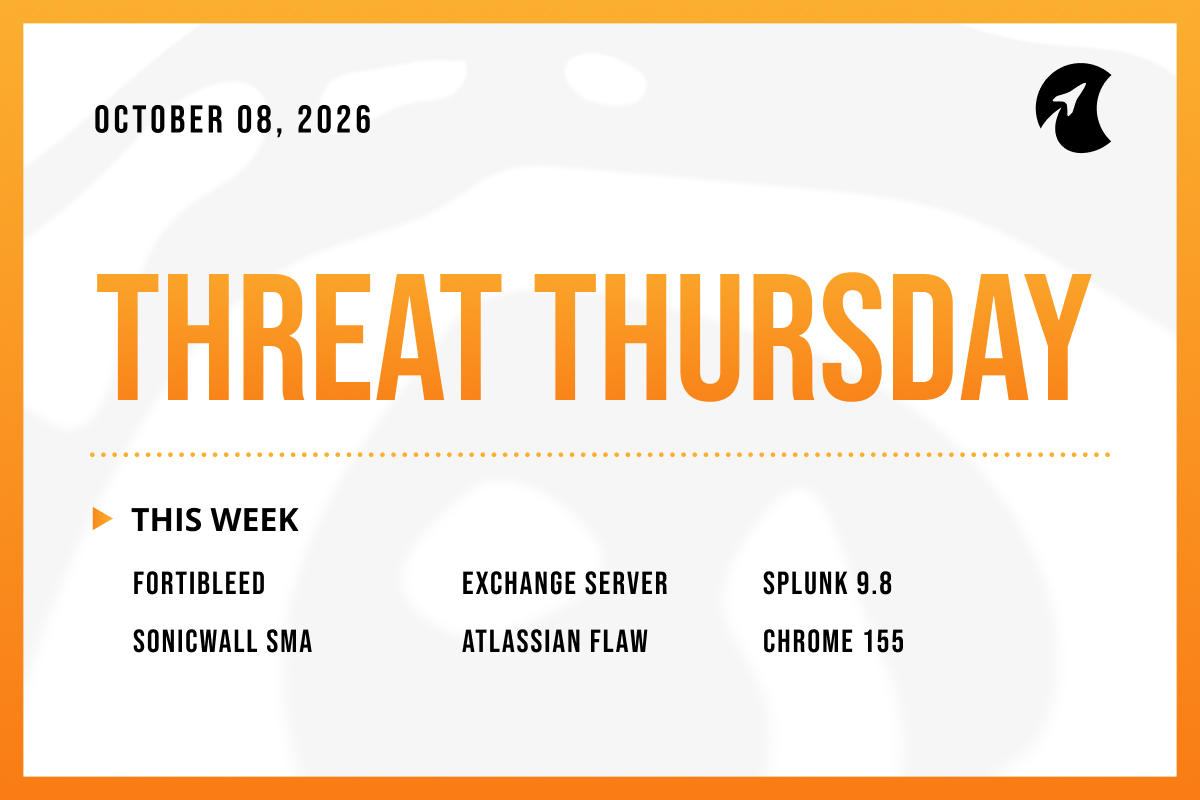
Welcome to Threat Thursday, Galactic’s weekly threat intelligence roundup.
Every Thursday, we cover the cybersecurity stories that matter most for protecting organizations from emerging threats, and we break each one down into what happened, what it could mean for your organization, and what to do about it.
This week’s top severity ratings, a 10 out of 10 and a 9.8, went to flaws nobody is known to be attacking. The threats that drew attackers were a file-reading bug rated a notch lower and a password campaign that never received a rating at all. Severity scores were a poor guide to danger across almost every story this week.
This Week’s Stories
1. FBI Warns FortiBleed Is Still Active After Collecting Logins for 86,644 Fortinet Devices
FortiBleed, a campaign we first covered in June, is still going. On October 6, the FBI and U.S. Secret Service warned that the group behind it continues to break into Fortinet firewalls and VPN gateways (the devices that guard a network’s edge and let remote staff connect) using passwords stolen in earlier breaches or reused from other accounts. Security firm SOCRadar has confirmed working logins for more than 86,644 of these devices across 194 countries. No software flaw is involved, so there is nothing to patch. The group cracks the stolen passwords, creates its own administrator accounts, sometimes deletes the real ones to lock owners out, and then sells the access to ransomware gangs, which SOCRadar links to at least 12 attacks.
Potential impact: Because there’s no flaw, there’s no advisory number, and most patching programs are built around exactly those, so a campaign that runs on valid passwords never lands on the to-do list. A firewall login is also among the most valuable things an attacker can hold. The device sits at the edge of the network, sees the traffic passing through, and opens a path to everything behind it. The ransomware connection means a stolen firewall password can end with encrypted systems, not just an awkward audit finding.
What to do: Organizations running Fortinet firewalls should end all active admin and VPN sessions, reset those passwords, and require phishing-resistant multi-factor authentication (a second sign-in step, such as a security key, that a fake login page can’t capture) for remote access and administration. Check for administrator accounts nobody recognizes, take the device’s management page off the internet, and compare logs against the addresses listed in the FBI advisory.
Source: The Hacker News
2. Microsoft Exchange Flaw Lets Logged-In Users Read Other People’s Email (CVE-2026-96940)
Microsoft released an urgent, off-schedule update on October 2 for Exchange Server, the email system some organizations run on their own servers rather than in Microsoft’s cloud. The flaw, CVE-2026-96940, lets anyone with a valid login at the organization read other employees’ emails and attachments. It can’t be used to reach another company’s email, and an attacker needs a working account first. Microsoft rates it 8.8 out of 10 and has seen no attacks so far, though it considers them likely. The affected versions are Exchange Server Subscription Edition and the 2016 and 2019 editions. Organizations using Microsoft 365 for email are already protected by a fix Microsoft applied on its side.
Potential impact: The login requirement makes this sound smaller than it is. Stolen work passwords are common, and tricking a single employee is often the easiest step in an attack, so needing a login is a low bar in practice. Once past it, an attacker could read the CEO’s inbox, finance threads, or legal correspondence without breaking anything else. This is the one to watch: no attacks yet, but Microsoft’s own forecast points the other way.
What to do: Anyone running Exchange on their own servers should install Microsoft’s October update on every server and confirm it applied. Servers on older update levels may need to be brought current before the fix will install. Reviewing mailbox audit logs for anyone opening mailboxes that aren’t theirs is a sensible follow-up. Microsoft 365 customers don’t need to do anything.
Source: The Hacker News
3. Splunk Fixes a Critical Flaw That Allows Commands Without a Login (CVE-2026-76268)
Splunk, a widely used platform for collecting and searching security and IT logs, fixed a flaw with a 9.8 severity rating on October 7. CVE-2026-76268 sits in a behind-the-scenes database component that runs on clustered Splunk search servers, and that component doesn’t check who is asking before carrying out sensitive tasks. Anyone who can reach it over the network can run their own commands on the server without a username or password. Only Splunk Enterprise versions 10.4 and 10.2 are affected, and Splunk has not reported any attacks or public attack code. The near-perfect score assumes an attacker can reach that component, and whether one can depends on how the network is set up.
Potential impact: A logging platform is an attractive place for an attacker to land. It holds a map of the whole environment, and control of it means the ability to watch defenders or quietly erase evidence, so the score deserves respect. But this is also where a score needs context. If the vulnerable component can only be reached from a tightly controlled internal network, the practical risk is far lower than the 9.8 suggests, and urgency should follow exposure rather than the number.
What to do: Splunk Enterprise customers on 10.4 or 10.2 should update to 10.4.3 or 10.2.7 on every clustered search server. Until then, confirm the affected component can’t be reached from user networks or the internet. Splunk also offers a temporary setting change for organizations that don’t use certain newer data-processing features, but check Splunk’s guidance before applying it.
Source: Cyber Security News
4. SonicWall Fixes a Top-Severity Flaw in SMA1000 Remote-Access Appliances (CVE-2026-102255)
SonicWall fixed four flaws on October 5 in its SMA1000 series, appliances companies use to give employees secure remote access to internal systems. The most serious, CVE-2026-102255, carries the maximum rating of 10.0. It lets an attacker with no login trick the appliance into making requests on their behalf, reaching internal functions that should be off-limits, though SonicWall hasn’t said which ones. The other three are less severe and require a login. The company says it has seen no attacks, and there is no temporary workaround, only the update, which restarts the appliance when it installs.
Potential impact: A 10 with no known attacks is a different animal from a 10 under attack, but this product’s history argues against waiting. Attackers exploited other SMA1000 flaws just last month, and appliances patched then are still running versions affected by this new bug. Remote-access appliances are a recurring target because they face the internet by design and sit directly in front of internal systems. The lack of attack evidence is a head start, not a reason to push this down the list.
What to do: Organizations with SMA1000 appliances (models 6210, 7210, and 8200v) should install the latest update from SonicWall’s support portal and plan for a brief restart. Until it’s in, limit who can reach the appliance from the internet. Appliances patched for last month’s attacks still need this update.
Source: The Hacker News
5. Attackers Target a Critical Atlassian Flaw Hours After Exploit Code Goes Public (CVE-2026-21589)
Atlassian, the company behind Jira, Confluence, and Bitbucket, warned on October 5 of a flaw affecting eight of its products in their self-hosted versions. CVE-2026-21589, rated critical at 9.3, lets someone with no login read certain files stored on the server. Security firm watchTowr published a technical breakdown the next day showing that one of those files can hold passwords that would let an attacker create their own administrator account in Jira. Within two hours, security company Previdian saw attackers probing for the flaw, and watchTowr confirmed real-world attacks, mostly scanning for vulnerable servers so far. Atlassian’s cloud versions were already fixed.
Potential impact: This is the story where the real-world risk outran the rating. A file-reading flaw sounds tamer than one that lets attackers walk straight in, but the files it can read include passwords, and a stolen admin password does the same damage as any break-in. Jira and Confluence often hold some of an organization’s most sensitive material, from product plans to credentials people paste into tickets. The two-hour gap between public code and attacks shows how little time a self-hosted server gets once details are out.
What to do: Teams running self-hosted Atlassian products should update every server today, including backup and mirror servers. If that isn’t possible right away, take the server off the internet or apply the temporary blocking rules in Atlassian’s advisory. After updating, change the passwords stored in the affected configuration files and review logs for signs someone already read them.
Source: Infosecurity Magazine
6. Chrome 155 Fixes 247 Security Flaws, Four Rated Critical
Google released Chrome 155 for Windows, Mac, and Linux on October 6 with fixes for 247 security problems, more than double the number in the previous version. Four are rated critical, all memory-handling bugs of a kind that can let a malicious web page run code on a computer, and 53 more are rated high. Google hasn’t said any of them are being used in attacks. One detail stands out: a single researcher found three of the four critical bugs and used artificial intelligence to uncover two of them, an early look at how AI tools are starting to change bug hunting.
Potential impact: A big number with no known attacks is routine maintenance, not an emergency. The real risk with browser updates is follow-through. Chrome downloads its updates automatically but only applies them after a restart, and plenty of people leave their browser open for days or weeks at a time. A fix that sits waiting for a restart protects nobody.
What to do: Users should restart Chrome when prompted. Organizations should push the update through their management tools, set a deadline that forces a restart, and look for machines stuck on older versions. Microsoft Edge and other browsers built on the same foundation usually ship matching fixes shortly after, so watch for those too.
Source: SecurityWeek
The Big Picture
None of this means severity scores are useless. They describe how bad a flaw could be under the right conditions, which is real information. What they can’t tell you is whether anyone is exploiting the flaw, or whether an attacker can even reach the vulnerable system in your environment. Those two questions are what turn a rating into a priority, and they’re worth asking before anything gets scheduled.
In practice, that means watching more than one source for signs of real attacks, since government lists can trail what researchers see by days. It also means keeping a separate list for problems that will never arrive as a numbered advisory: stale passwords on internet-facing devices, admin accounts nobody remembers creating, and management pages that shouldn’t be public. None of those show up in a patch report, so they need a regular check of their own.
Make sure to check back here each week for another Threat Thursday update. See you then!